
 Parking System
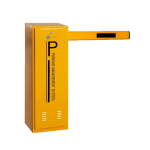 Barrier Boom
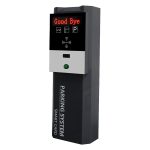 Card Dispenser
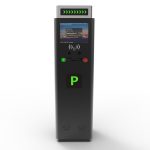 Ticket Dispenser
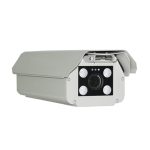 Lpr Camera
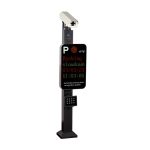 Alpr Equipment
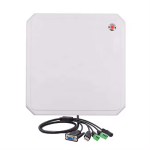 RFID UHF Reader
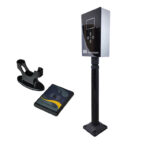 Bluetooth Reader
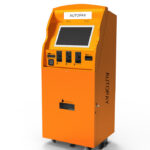 Auto Payment Machine
 Parking Guardian System
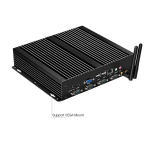 Industrial Mini Computer
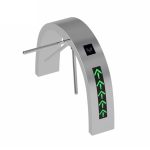 Tripod Turnstile
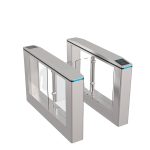 Speed Lane Gate
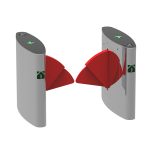 Flap Type Turnstile Gate
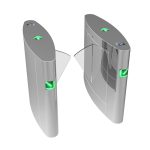 Turnstile Gate For Kindergarten
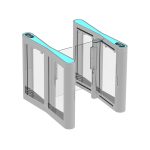 Sliding Gate
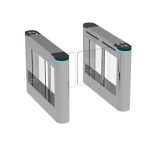 Swing Turnstile Gate
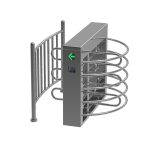 Half Height Turnstile Gate
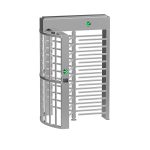 Full Height Turnstile Gate
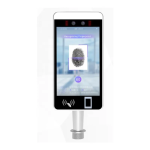 Face Recognition Camera
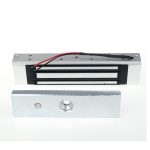 Magnetic lock system
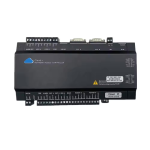 Access Cloud System
 Cabinet access control
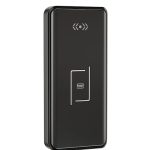 Cabinet Lock
 Smart Lock System
 Aluminium Folding Gate
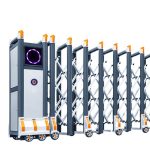 Folding Gate
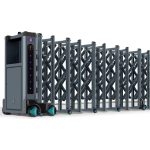 Industrial Gate
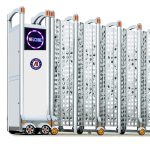 Stainless Steel Gate
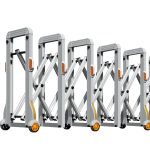 Manual Gate
 Automatic Gate Opener
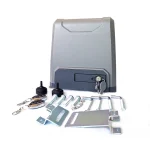 Sliding Gate Opener
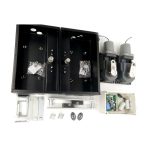 Swing Gate Opener
 Sliding Door Opener
 Walk Through Metal Detector
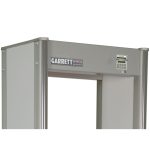 American Brand – Garrett
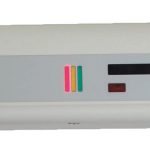 American Brand – Rapiscan
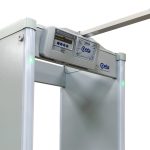 Italy Brand – CEIA
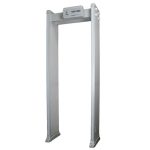 Hong Kong Brand
 Needle Metal Detector
 Under Vehicle Inspection
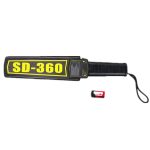 Hand Held Detector
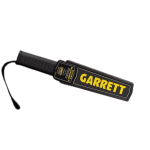 American Brand – Garrett
 Italy Brand – CEIA
 X-Ray Luggage & Baggage Scanner
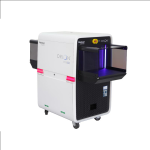 American Brand – Rapiscan
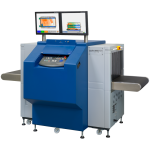 American Brand – Smiths Detection
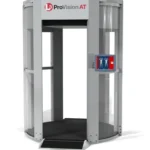 Security Full Body Scanner
 Card||Printer||Wrist-Band
 IC Card
 PVC Card
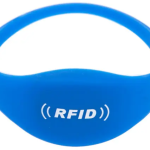 RFID Wristband
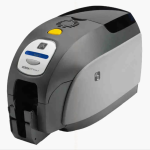 Card Printer
 Hydraulic Rising Bollard
 Shrink Wrapping Machine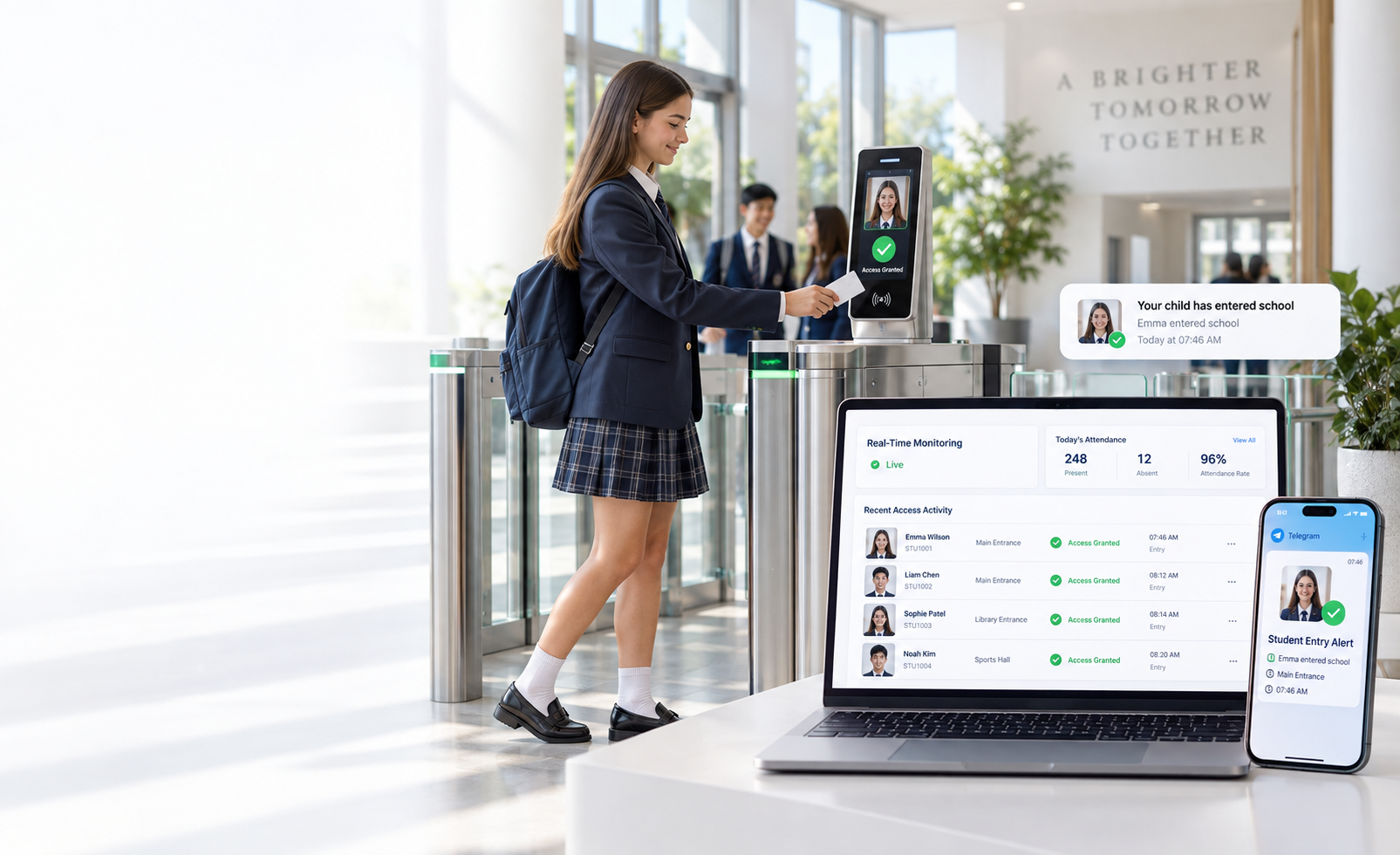
Active Investment / School solutions
ActiveAccess · Connected school entrySchoolAccess Control.
Parent notifications. Attendance alerts.
Pickup checks. Connected at the school gate.
Concept illustration
School and family, connected
Every arrival. Every departure.
Keep the right people informed.
01 / Entry & exit notifications
From the school gate.
To their phone.
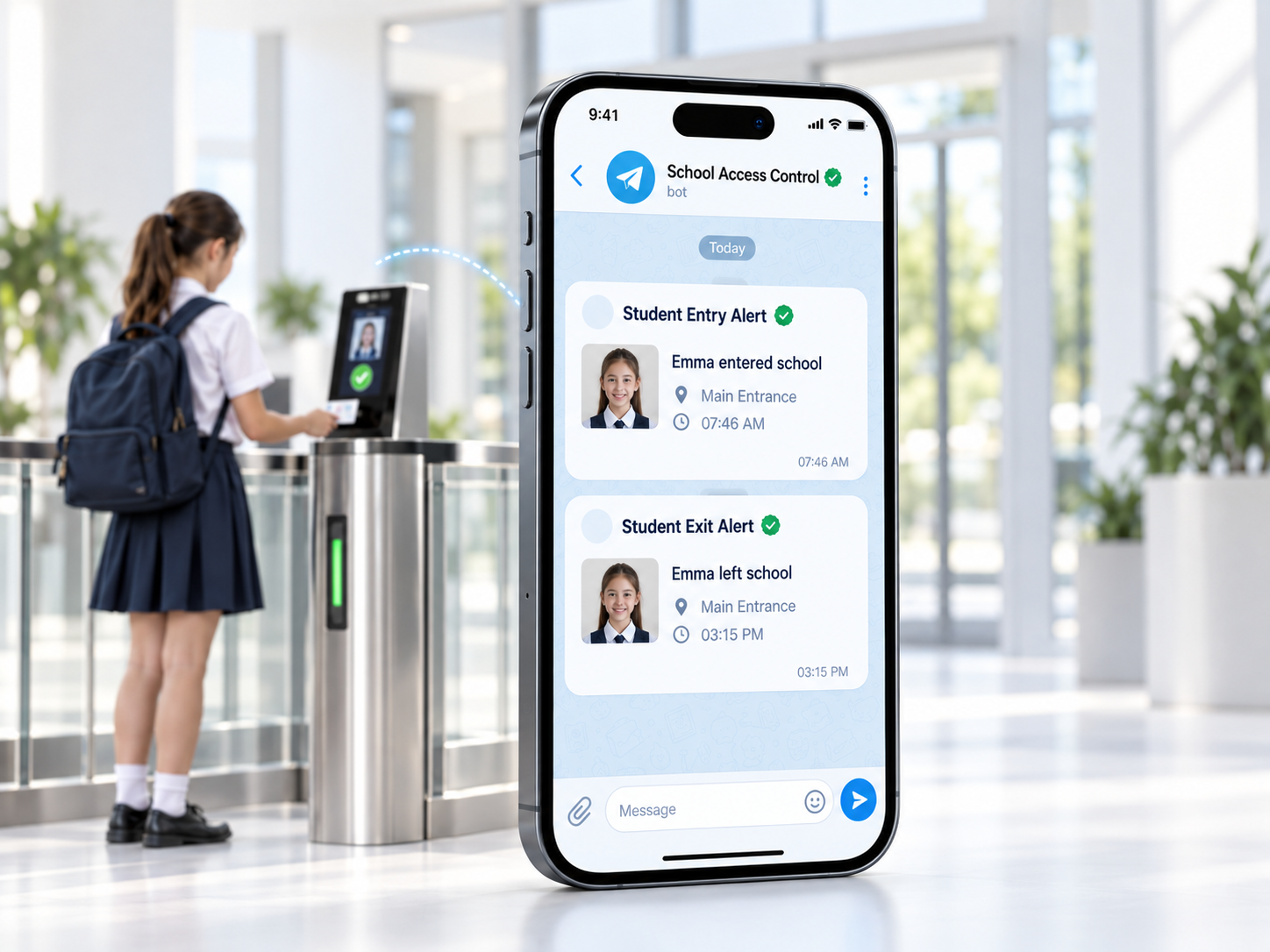
Arrival and departure updates
Recorded entry and exit events can send Telegram notifications to linked parents or guardians.
The details that matter
Student, access point and time information in each update.
Connected to the right family
Recipients register and complete Telegram linking before receiving notifications.
02 / Late & absence alerts
Late or absent.
Know when to follow up.
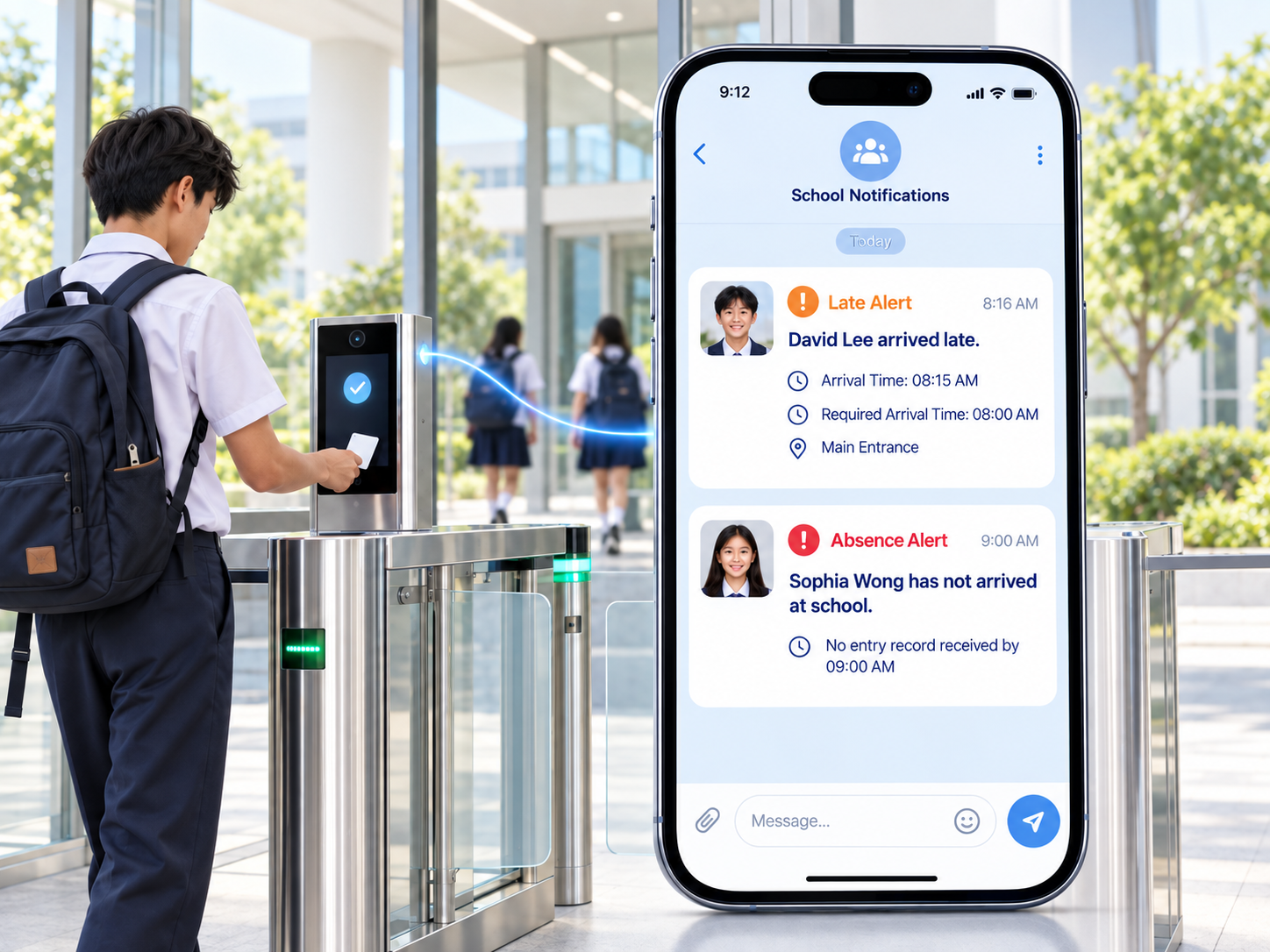
Separate alert rules
Configure Late and Absence notifications independently.
Your timetable
Choose sending times and the school days on which alerts run.
Linked recipients
Send configured Telegram alerts to registered parents, guardians or other authorized recipients.
Alerts follow attendance records and configured rules. A missing record should be checked by school staff.
03 / Pickup-contact display
Know who’s collecting.
Give staff a clearer view.
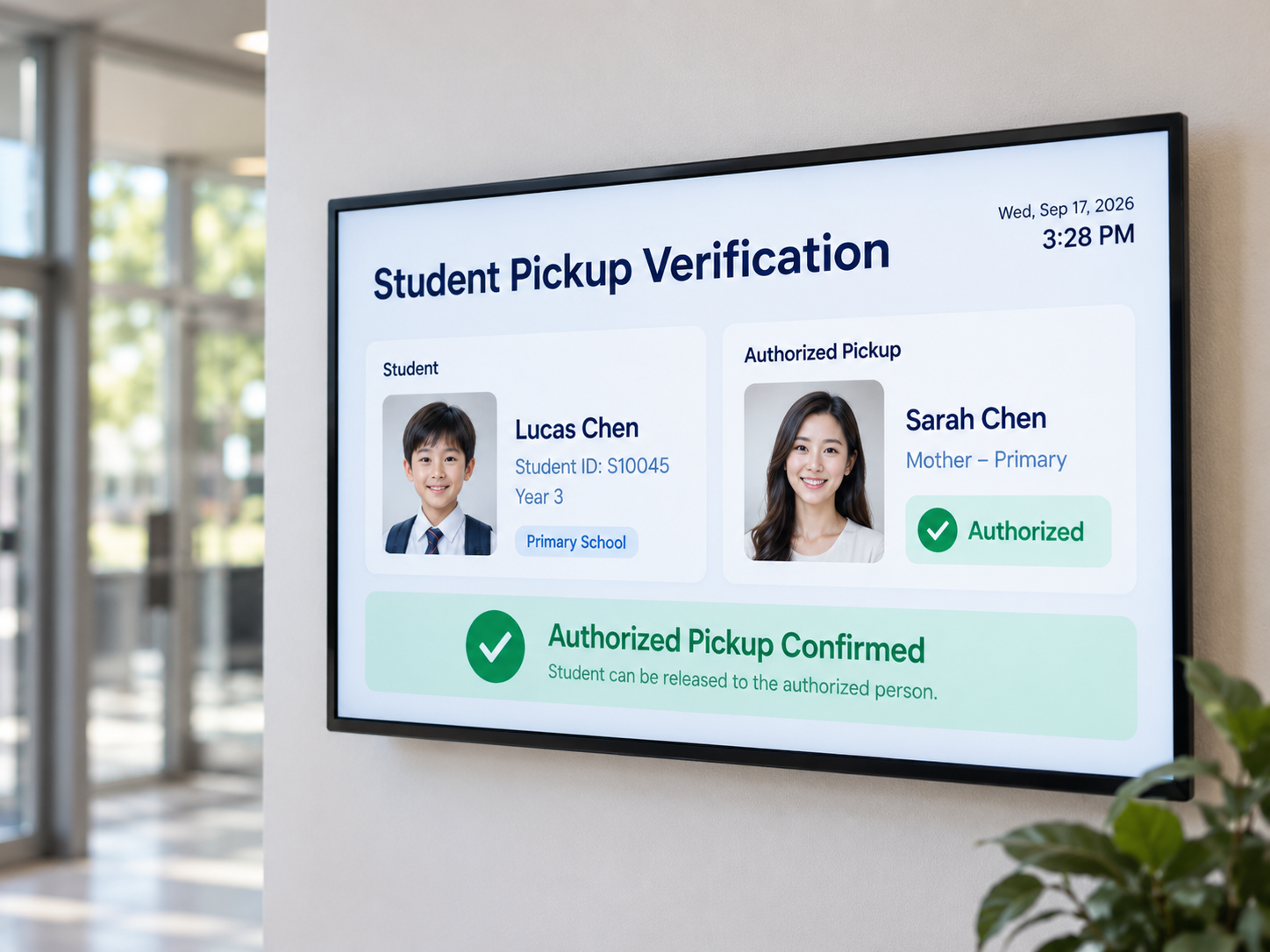
Linked pickup contacts
View parents, guardians and additional authorized contacts alongside the student record.
Details at hand
Refer to each contact’s name, relationship, phone number and photo.
Staff-led verification
Staff check the collecting person’s identity and follow the school’s release procedure.
04 / Managed with ActiveAccess
One place.
Daily control.
Access activity
Review recent school access records in the web-based system.
Contact management
Manage the parents, guardians and pickup contacts linked to students.
Permissions & audit logs
Manage staff permissions and review system activity.
Backup options
Support day-to-day administration with scheduled or manual backups.
Before you begin
A few useful
details.
Will it work with our turnstiles?
Compatibility depends on the access controller, reader and software integration. Share your existing equipment details, or discuss a new installation, so our team can assess the setup.
How do parents receive notifications?
Recipients register in the system and complete Telegram linking. Notifications are then connected to the appropriate parent, guardian or other authorized recipient.
Can we choose the alert schedule?
Yes. Administrators can create separate Late and Absence alert steps, choose sending times and select the school days on which those alerts run.
Does the display approve a child’s release?
No. It gives staff linked contact details to support their checks. Staff still confirm the collecting person’s identity and follow the school’s release procedure.
Active Investment / Cambodia
Let’s connect
your school
entrance.
Start with your school.
- School name and site location
- Existing turnstiles, readers and controllers
- Attendance schedule and notification needs
- Student pickup process
We’ll review compatibility and the right configuration for your setup.
 Camera Infrared Thermal


